Stop building admin panels.
Let AI generate them for your Supabase
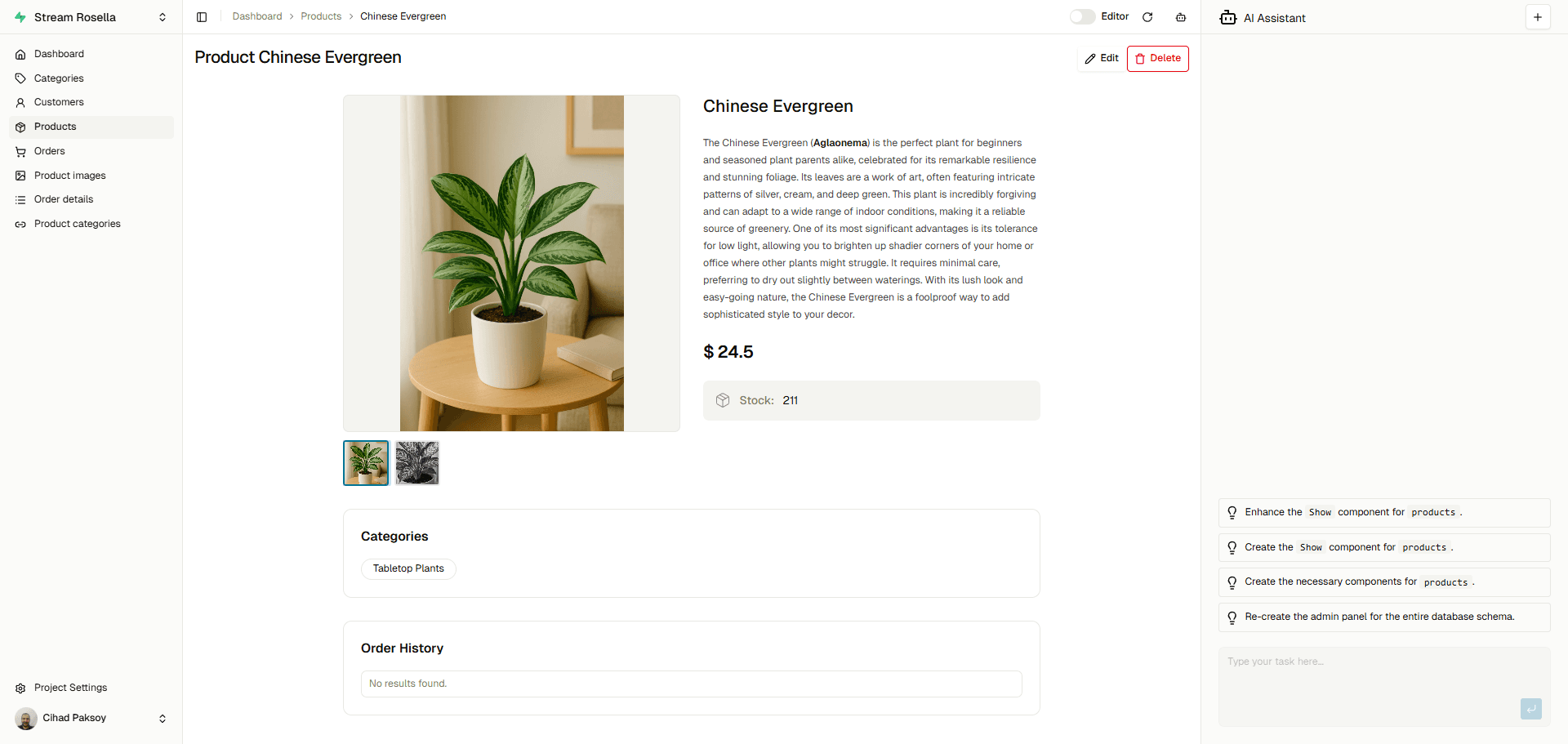

How it works
Get your fully functional admin panel running in three simple steps.
Connect Supabase
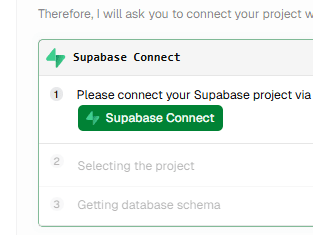
AI Analyze
UI Generation via AI
Features
Everything you need to manage your app.
Built specifically for Supabase. Get an intuitive interface without writing a single line of boilerplate code.
No Setup Required
Forget about configuring robust admin dashboards. Connect your Supabase project and get a full-featured admin panel instantly.
Smart Relationships
Automatically detects your PostgreSQL foreign keys and links tables to create seamless relational selectors out of the box.
AI-Powered Assistance
Generate views, filters, and forms automatically with our AI. It reads your schema and builds the UI so you don't have to.
Extensible UI
Customizable layouts using a modern stack. Tweak your columns, adjust permissions, and style it to fit your workflow.
Tried Supadmin? Choose Your Side.
Be honest. We can take it (probably).
Pricing
Start free, keep the setup simple.
Build and manage internal Supabase tools without upfront friction. Upgrade only when your workspace needs more scale or team access.
Starter
For solo builders and early validation.
$0
- Unlimited personal projects
- Service role and secret key access
- AI-assisted resource generation
- Supabase-first admin workflows
Team
For shared operations and controlled growth.
$5/seat
- Shared environments and governance
- RLS-aware operational workflows
- RBAC and ABAC access controls
- Operational controls for sensitive data